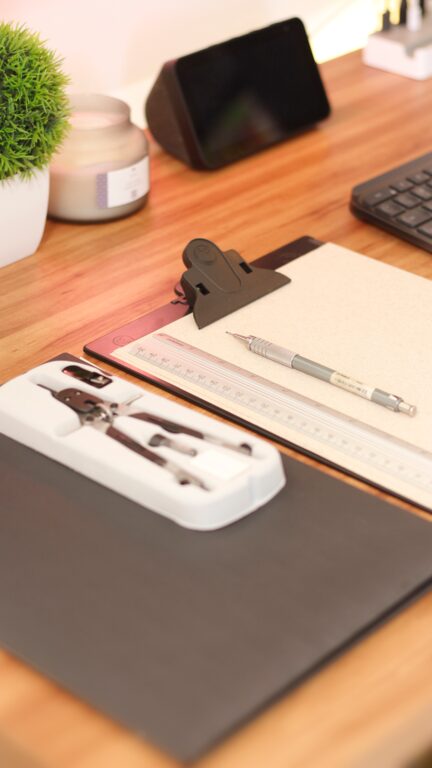
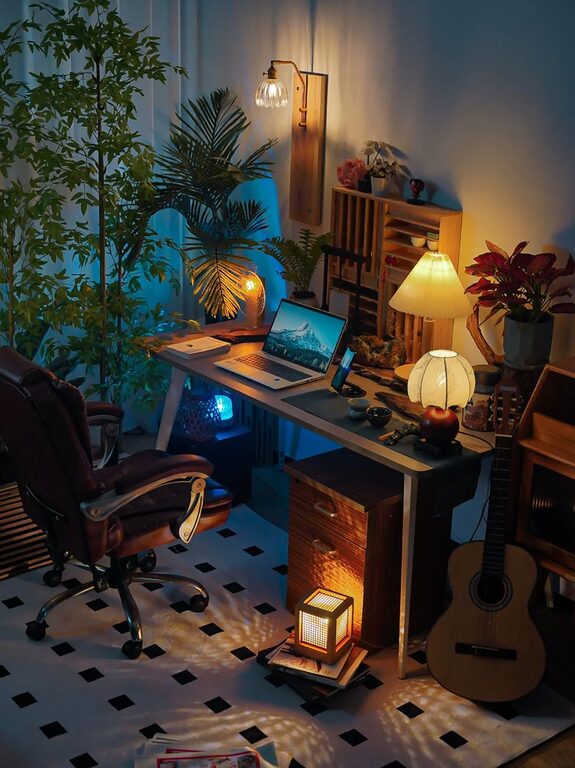
Creating a comfortable and efficient home office space is essential for staying productive and feeling good while working from home. Whether you have a dedicated room or a small corner, the right setup can make a big difference in how you approach your workday. Here are some helpful tips to design a cozy and functional home office that suits your needs.
Choose the Right Location
Selecting the best spot for your home office is an important first step. Ideally, pick a quiet corner or room with minimal distractions. Natural light is a bonus because it improves mood and reduces eye strain.
– Look for a space with enough room for your desk and chair.
– Avoid high-traffic areas to maintain focus.
– Consider proximity to power outlets and internet connections.
Invest in Comfortable and Ergonomic Furniture
Comfort is key when you spend hours at your desk. Ergonomic furniture helps prevent strain and supports good posture, allowing you to work longer without discomfort.
– Choose an adjustable chair with lumbar support.
– Opt for a desk at a height that fits your sitting or standing preferences.
– Consider a standing desk or adjustable desk converter for variety.
Optimize Lighting
Good lighting reduces eye fatigue and creates a welcoming atmosphere.
– Use a combination of natural light, overhead lighting, and task lighting.
– A desk lamp with adjustable brightness is great for focused work.
– Avoid harsh fluorescent lights and glare on your computer screen.
Organize with Purpose
A cluttered workspace can distract and decrease productivity. Thoughtful organization helps keep important items within reach and your space tidy.
– Use shelves, drawers, or filing cabinets to store documents and supplies.
– Desk organizers and trays keep small items orderly.
– Digital organization tools can minimize paper clutter.
Personalize Your Space
Adding personal touches makes your home office feel inviting and motivating.
– Display favorite artwork, photos, or plants.
– Choose colors that calm or inspire you.
– Include cozy elements like a soft rug, cushion, or throw blanket.
Manage Cables and Technology
Keeping cables under control improves both safety and aesthetics.
– Use cable clips, sleeves, or boxes to bundle wires.
– Position your computer, printer, and other electronics for easy access.
– Ensure your internet connection is stable and fast.
Incorporate Functional Accessories
Small accessories can enhance comfort and efficiency.
– A good-quality headset or speakers for virtual meetings.
– A whiteboard or bulletin board for notes and reminders.
– A water bottle or coffee cup to stay hydrated.
Maintain a Routine and Space
Finally, regularly cleaning and organizing your office keeps it inviting and ready for work.
– Schedule weekly tidying sessions.
– Reassess your setup periodically to make improvements.
– Set boundaries to separate work from personal time.
—
By following these tips, you can create a home office space that is both cozy and practical. A well-designed workspace not only boosts productivity but also makes working from home more enjoyable. Start small and build your ideal office one step at a time!